


Google Maps for spas examines how local visibility actually works inside Google’s search ecosystem—and why simply “having a listing” is not enough to attract ready-to-book clients. While many spa owners assume websites or social media drive local discovery, the article clarifies how Google Maps, business profiles, and the map pack now function as the primary gateway between nearby searches and real-world foot traffic. It also explains why incomplete or poorly managed listings quietly limit bookings, even when demand already exists nearby.
Did you know? Over 80% of people search for local businesses online before visiting—making Google Maps for spas essential to attracting customers
Revealing the Power of Google Maps for Spas: Surprising Stats and Essential Outcomes
"Over 80% of people search for local businesses online before visiting—making Google Maps for spas essential to attracting customers."
Key reasons Google Maps should be at the core of your spa's digital strategy:
Massive boost in local search visibility, ensuring more clients discover your spa.
Increased walk-in traffic as customers see your spa in search and navigate directly to your door.
Real-time business information helps clients trust and choose your med spa over competitors.
Immediate impact on local search visibility and walk-in traffic
Google Maps lets spas appear in the local map pack—one of the top spots in Google search results for people searching “spa near me.”
Med spas that claim and optimize their business profile can see jumps in bookings—even from clients who were never on their radar before.
Spa owners who update health policies, operating hours, and photos regularly inspire more trust and attract happy clients searching locally.
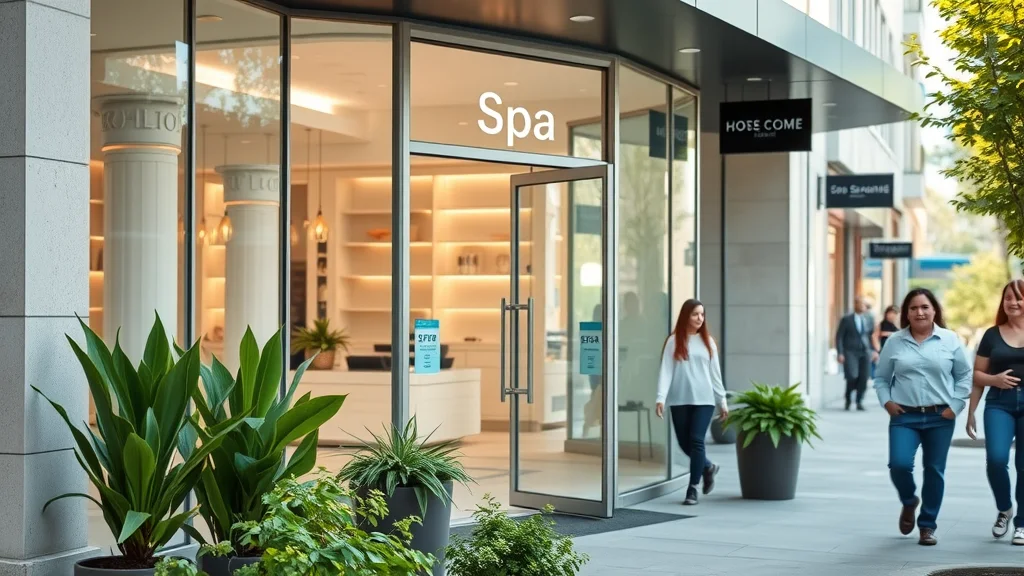
What You'll Learn About Google Maps for Spas
How to get your spa listed and verified on Google Maps
Optimizing your Google Business Profile for maximum impact
Understanding the Google Map Pack and local SEO for spas
Leveraging tools and tips unique to med spas and wellness centers
The Basics: What is Google Maps for Spas and Why Does It Matter?
Definition of Google Maps for spas, med spa listings, and business profile:
Google Maps for spas means more than dropping a pin on a map—it’s about creating a clearly visible, accurate business listing tied to your Google Business Profile.
This listing tells Google (and your future clients) that your spa exists, what you offer, where you’re located, and how to get in touch with you right now.
The growing importance of local searches and local SEO for spas:
Local SEO—search engine optimization focused on nearby searches—has exploded in recent years.
When a potential client types in “med spa near me” or “day spa downtown,” Google prioritizes results linked to accurate, verified map listings. When you leverage Google Maps for spas, you’re putting your business where it matters: in front of local customers ready to book.
Why every med spa should have a Google business profile and utilize the Google map pack:
Without a Google business profile, your spa is invisible to most local searches. The “map pack”—the cluster of top listings shown in map results—gets the lion’s share of clicks.
Claiming and optimizing your Google Maps business profile is the fastest way to leapfrog competitors and make your spa the first choice for local clients.
Step-by-Step: How to Add and Verify Your Spa on Google Maps
Easy directions for adding your spa or med spa to Google Maps and completing local business listing:
Visit the Google Business Profile site, sign in with your business account, and follow prompts to add your spa’s name, service area, address, phone number, website, and other details.
This ensures you show up when customers search on Google Maps or Google Search.
-
Key requirements for successful verification of your Google business profile:
Physical address your clients can visit
Valid phone number for client contact
Official business name matching signage/website
Verification postcard or phone call from Google (a crucial step)
Checklist: Required Information and Documents for Spa Verification on Google Maps |
|
Requirement |
Details |
|---|---|
Business Name |
Exactly as displayed on signage and your website |
Physical Address |
Where clients can visit for services (no P.O. boxes) |
Phone Number |
Direct contact for bookings; matches website/contact pages |
Website URL (optional) |
Links customers to your full menu, gallery, or booking form |
Verification Code |
Sent by Google (postcard, text, or call) to confirm legitimacy |
Business Category |
Choose “Spa,” “Med Spa,” or best-match specialty |
Operating Hours |
Clear, accurate hours—differentiates you in search results |
Optimizing Your Google Business Profile for Med Spas: Best Practices
How to Optimize Your Google Business Profile for Maximum Impact
Choosing the right business categories for your spa:
Categories such as “Day Spa,” “Med Spa,” or “Wellness Center” clarify your services and get you found by the right type of client.
Accuracy matters: select categories matching your specialties and avoid unrelated ones to attract more targeted local searches.
Writing compelling business descriptions using local keywords and spa-specific language:
Your business description should mention local landmarks, your service area, and core offerings (“facials in downtown,” “med spa with laser services in [city]").
Use relevant terms naturally so Google and local clients recognize your expertise and location. This is a pro tip to drive more search results visibility!
Encouraging and managing reviews from real spa clients:
Happy clients are your best marketers!
Ask them to leave positive reviews, and always respond to reviews—especially negative ones. Address concerns, thank happy clients, and resolve any issues quickly, as both searchers and Google value transparency and engagement.

Adding photos, services, and booking options to boost engagement:
Upload clear images (exterior, interior, staff, treatments).
Update your spa services list and include booking links. Photos build trust, and detailed options encourage immediate bookings through Google Maps and Search.
-
Additional Google Business Profile tips for med spas:
Ensure your phone number and address (NAP) matches everywhere online—consistency is key for local SEO.
Post regular Google Updates or offers (events, deals, news).
Highlight specialties (massage, skincare, laser treatments) with service attributes in your business profile.
Add accessibility, payment options, and health guidelines to inform clients and boost trust.
Connect your social media for broader online presence.
Understanding the Google Map Pack for Spas
What is the Google Map Pack and why is it critical for spa owners?
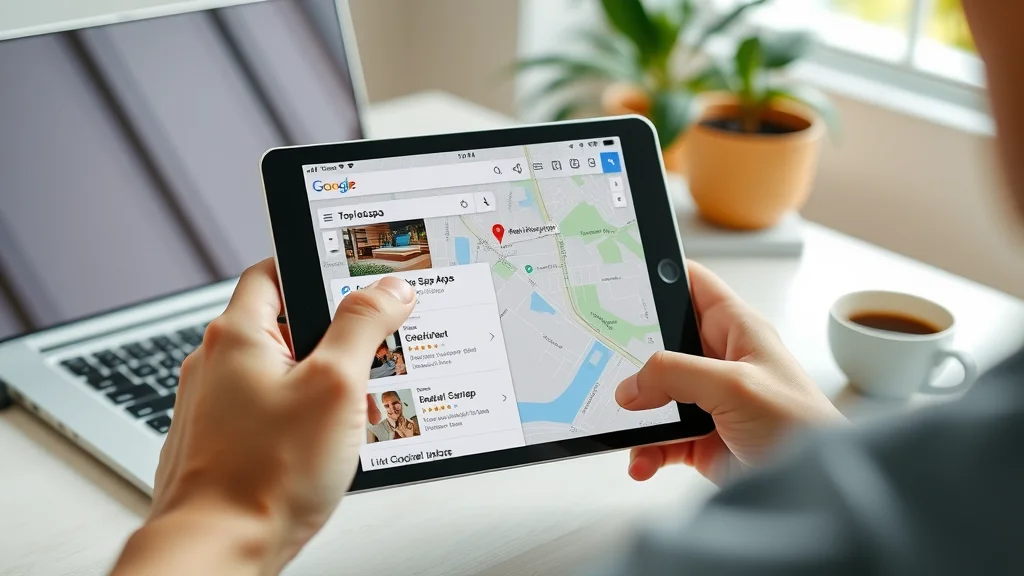
The “Google Map Pack” (or “local 3-pack”) shows the top three relevant local businesses on the first page of search results, with map location, reviews, and contact info.
Appearing here means your spa is seen before the competition, leading to higher click-throughs and walk-ins for med spas and wellness centers.
How spas and med spas appear in the local map pack results:
Spas with accurate business profiles, ample positive reviews, and up-to-date photos/services are most likely to secure a spot in the map pack.
Fast loading info, trusted business profiles, and regular updates help your spa rise above others in local results.
-
Factors that influence your spa's ranking in the map pack:
Number and quality of positive reviews
Consistent business name, address, and phone (NAP) info
Proximity to local users searching for “spa near me”
Relevance of your category and business description
Frequency of updates and new posts
Local SEO for Spas: Getting Found in Local Search Results
The intersection of local SEO, Google Maps for spas, and your business profile:
Local SEO focuses on getting your spa found when people search nearby. By strengthening your Google business profile and appearing in Google map results, you dramatically improve visibility for crucial local searches like “med spa open now” or “best spa near me.”
Building strong citations and consistent NAP (Name, Address, Phone) across listings:
Make sure your spa’s name, address, and phone number are identical everywhere—on your website, directory listings, social media, Chamber of Commerce, and review sites. This “consistent NAP” signals trustworthiness to Google and helps you claim top local results.
Importance of keywords like spa business listing, med spa, and local searches:
Strategically use these keywords in your business profile and website content. They help Google map and search understand exactly what type of business you are—med spa, day spa, wellness clinic—and rank you higher for the most profitable searches in your area.
Utilizing Google My Business features to drive local search success:
Take advantage of every field: services, specialties, health and safety protocols, Q&A, and booking integrations. The more complete your profile, the more likely Google will treat your business as a trusted, relevant result in local searches.
Maintaining and Managing Your Spa’s Business Profile on Google Maps
Regular updates: Operating hours, services, health & safety policies:
Keep your Google business profile fresh. Update your operating hours during holidays, add new spa services as they’re released, and clarify health and cleanliness guidelines—which have become key for clients post-pandemic. This signals to Google and spa clients that your information is current and trustworthy.
Handling reviews, questions, and customer interactions:
Respond to reviews quickly, thank happy clients, and address negative reviews with a helpful attitude. Monitor customer questions about your spa’s services and booking. Every prompt and helpful answer boosts engagement and can even influence map pack rankings for med spas and local businesses.

-
Tips for spa business listing management and local SEO:
Regularly review your profile for outdated info and correct errors or typos.
Monitor your spa’s category, photos, and reviews for accuracy and reputation management.
Leverage Google Posts to highlight time-sensitive offers, events, or seasonal spa packages.
Visual Impact: Uploading and Managing Photos for Med Spas and Wellness Centers
Why quality images matter for Google Maps for spas:
High-quality, inviting photos showcase what makes your spa unique. Bright exteriors, serene interiors, and images of happy staff and clients increase client trust and engagement by giving a real sense of your space and style. Google Maps profiles with eye-catching visuals get more views and higher click-through rates from spa seekers.
Guidelines for photo types: Interiors, exteriors, staff, and treatments:
Upload a mix of images: your spa’s exterior for easy arrival, interiors of the waiting area and treatment rooms, smiling staff in professional attire, and glimpses of your top spa services. This signals a welcoming, professional environment to both Google’s algorithm and potential med spa clients.

Using images to enhance your business profile and Google map appearance:
Update photos at least quarterly. Name your image files with location-relevant keywords (e.g., “downtown-spa-treatment-room.jpg”). A fresh photo stream shows clients and Google your spa is actively managed, which can positively impact your map pack ranking and drive more local search traffic.
Watch this step-by-step tutorial walk-through video demonstrating how to add and verify your spa business on Google Maps and Google Business Profile—see real screen recordings and written instructions so any spa owner or manager can follow along.
Learn advanced techniques for optimizing your Google business profile—tailored strategies to get your med spa into the coveted map pack spots and turn Google Maps for spas into your #1 source of new bookings.
People Also Ask: How do I add my salon to Google Maps?
Easy Steps for Adding Your Spa or Salon to Google Maps
Go to Google Business Profile (formerly Google My Business)
Sign in, add your business, input all spa details (name, phone number, address, website), and verify through the methods offered (usually postcard, phone, or email)
Once verified, your spa will appear in Google Maps searches and the local map pack, making your business available to new local clients
People Also Ask: What is Google MyMap?
Explaining Google MyMap for Spa Businesses
Google MyMap is a customizable mapping tool for personal or business use:
It lets you create custom maps for your spa—highlighting your location, nearby parking, popular local landmarks, or partner businesses. Ideal for building specialized lists for spa routes or recommended wellness destinations.Shows locations, routes, and specialized lists to help spa customers:
Share these custom maps on your website or with clients to help them navigate your neighborhood and discover everything your wellness center has to offer.
People Also Ask: How to create a Google Maps heat map?
Steps for Creating a Google Maps Heat Map for Your Spa’s Audience
Export your spa’s customer data (with zip codes, neighborhoods, or street names) or define key areas of interest where clients live or visit.
Load your data into Google Maps or Google MyMap, then use built-in visualization tools (or third-party plugins) to display “hotspots”—areas where demand for your med spa is highest.
Analyze this map to refine your marketing, outreach, and ad targeting for the best local results.

People Also Ask: Is GmapGIS free?
Understanding GmapGIS for Spas
GmapGIS is a free online tool for drawing lines, shapes, and marking on maps:
Spas can use GmapGIS to outline custom service areas, visualize targeted delivery zones, or help clients find the best routes to your front door—all at no cost.Useful for displaying custom service areas or delivery boundaries for your spa:
Just draw your service boundary on the map, then share a live link or export an image to your website, making it clear exactly where you serve happy clients in your local community.
FAQs on Google Maps for Spas
Why does my spa not show up on Google Maps?
Your spa may not appear if your Google Business Profile isn’t verified, if information is incomplete or mismatched, or if your listing was suspended for violations. Double-check that all business details (name, address, phone, category) match your signage and website, and complete the verification process for local SEO to kick in.How long does it take for my spa to appear after listing?
Once verified, most new listings show on Google Maps within 3-7 days. Sometimes changes or new photos can take up to 2 weeks. Update your business profile if info is missing; Google may flag incomplete spa listings and delay their appearance in the map pack or local search results.Can I update my business hours and photos any time?
Yes! Use your Google Business Profile dashboard to revise hours, add new services, or upload fresh images. Changes are often reflected within a day. Keeping current info helps attract more local clients by showing your med spa is active and trustworthy.What’s the best way to get more reviews for my spa?
Request reviews from happy clients after each appointment—by email, text, or in person. Respond to every review, both positive and negative, to build your reputation and encourage more clients to share their experiences. Remember, profiles with more positive reviews rise higher in the Google map pack and search engine results!
Key Takeaways: How Google Maps for Spas Unlocks Local Revenue
Google Maps for spas is the fastest path to local customer visibility.
Managing your spa’s Google business profile and embracing the map pack pays off with higher bookings.
Ongoing local SEO and business listing optimization is essential—don’t set it and forget it!
Ready to Boost Your Spa’s Visibility?
If reviewing your Google Business Profile or local listings brings up questions, guidance is available from our team to help clarify what matters most and where small changes can improve local visibility.




Write A Comment